


How to manage a full dance class with a waiting list
A full class is good news, but only if the places that open up get filled. This tutorial shows how waiting lists work in Stepsi for students and for you.

When a class reaches its capacity, Stepsi offers students a waiting list instead of a dead end. There is nothing to switch on: it works for every class with bookings or registrations.
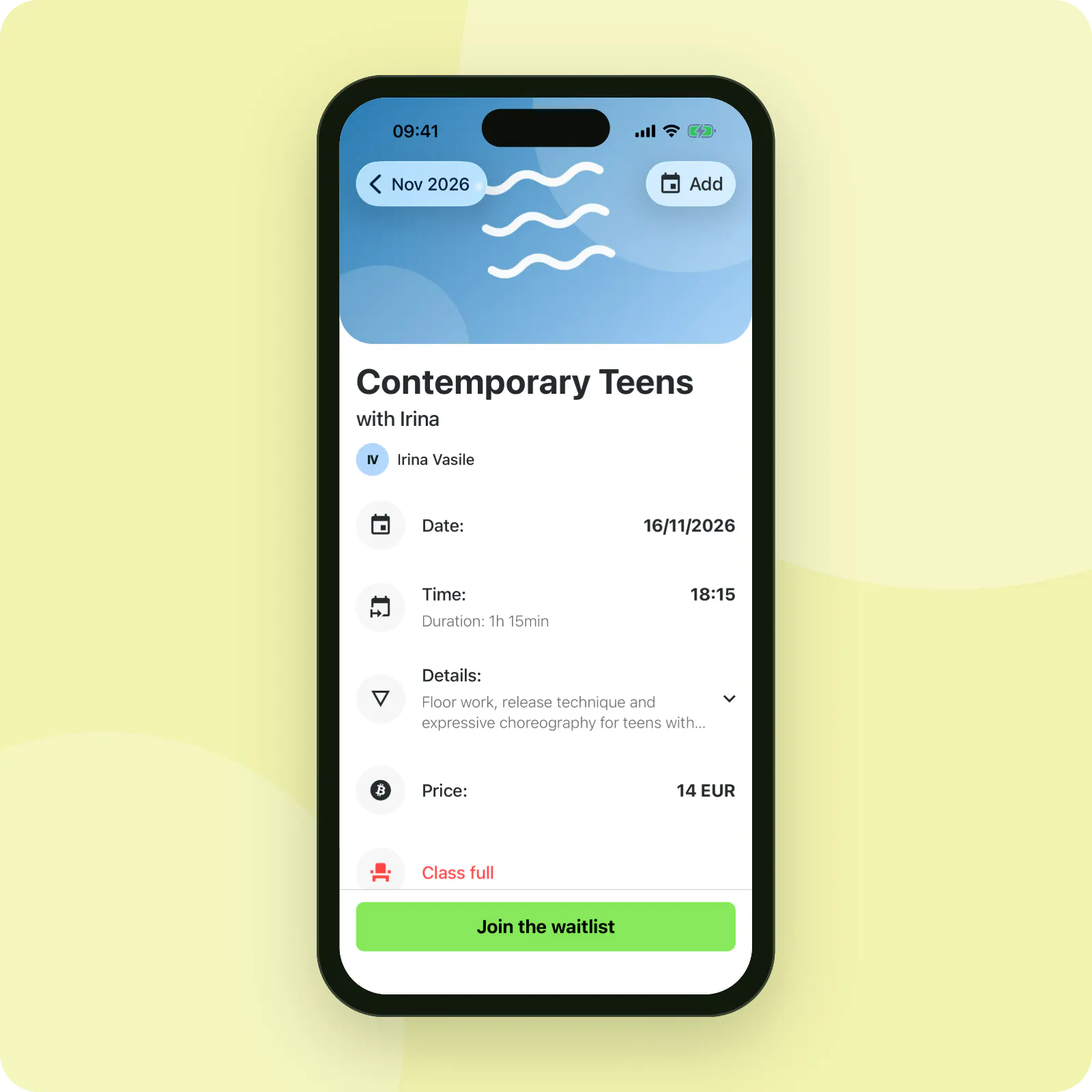
1. Students join from the app
When a class is full, the class page in the app shows Join the waitlist. Students tap it and see that they are on the list. They can leave it again at any time.
2. Stepsi tells them when a place opens
When someone cancels, everyone waiting for that class is notified that a place is free, and the first to book gets it. Each student is notified at most once an hour, however often places open.
3. See who is waiting
Go to Calendar > Waitlists. The list shows each student, the class, whether they wait for a Booking or a Class registration, the date they wait for, when they were last Notified and when they Joined.
Use Remove to take someone off the list, for example once they have found another class.

Use waiting lists to plan
A long waiting list for the same class every week is a clear sign to add another session or a second group.
No empty places in full classes
Waiting lists fill cancellations automatically and show you where demand is growing.
Frequently asked questions
Is a student booked automatically when a place opens?
No. Everyone waiting is told a place is free, and the first to book it gets it. That keeps the place moving even if someone no longer needs it.
Do waiting lists work for term classes?
Yes. Families can wait for a class registration as well as for a single date.


